AVAILABLE NOW
Car Rental
Fleet · bookings · rentals
 FREECOM POS
FREECOM POS connects your counter, products, inventory, customers, purchases, expenses, users, locations, and reports—so your team can work with less guesswork.
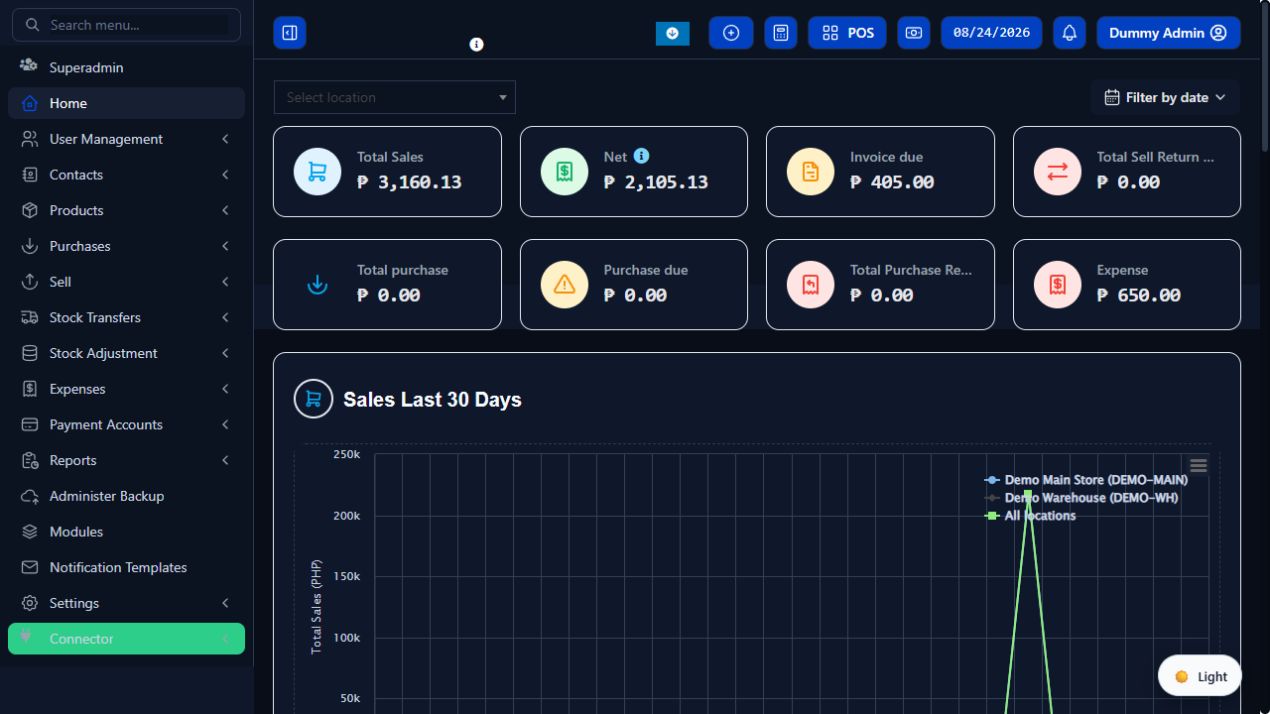
These screens come directly from the running system using completed demo transactions.
Sales, net results, invoice dues, expenses, and performance charts are visible from one clear dashboard.
Open this systemSix modules are available now, with more specialized tools already planned.
Fleet · bookings · rentals
Invoices · dues · payments
Accounts · statements · reports
Employees · attendance · payroll
Core business productivity tools
Serial numbers · warranty · item history
New business tools are coming
Every plan below comes directly from the live FREECOM POS Superadmin catalog.
Checking the live FREECOM POS catalog.
Start with the complete FREECOM POS foundation, then talk to us about the configuration, workflow, reports, branding, or approved additions your operation needs.
Message FREECOM on FacebookAdjust screens, reports, permissions, and processes around how your business operates.
Extend the system with approved features, integrations, and business-specific rules.
Get help configuring locations, users, products, inventory, and supported data migration.
Apply your business identity and prepare your team for a cleaner day-one rollout.
Download the public beta for Android mobile and tablet, or install it on a Windows desktop. Test the offline-ready selling workflow at no software cost during beta.
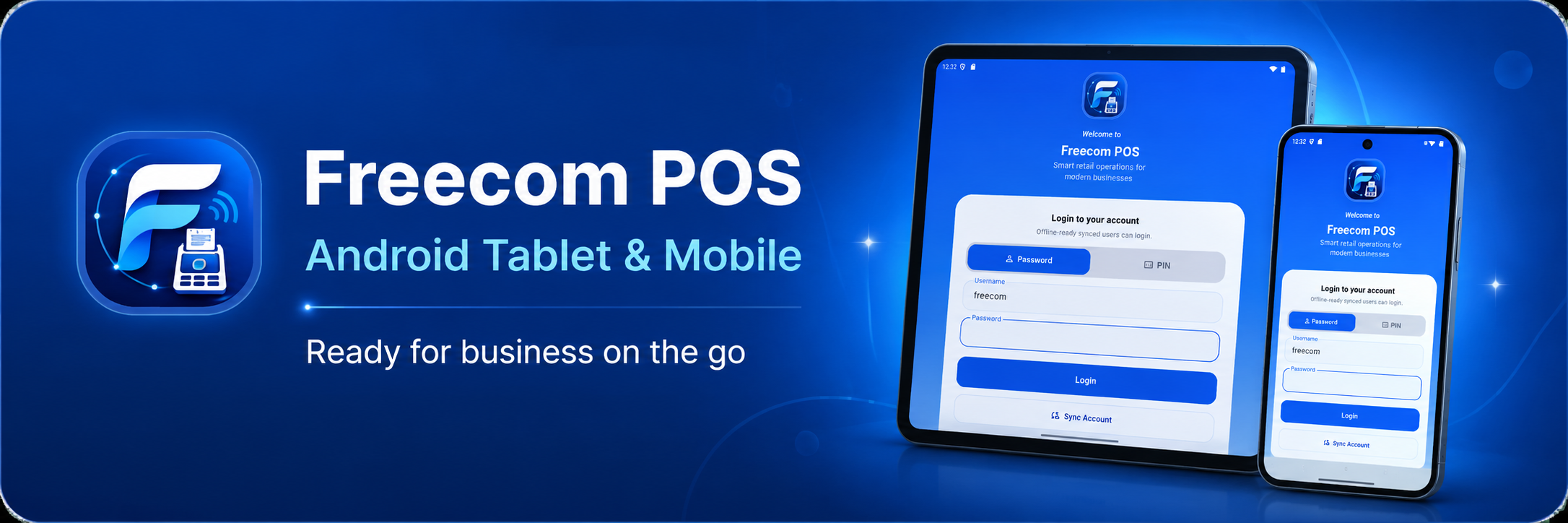 ANDROID BETA
Install the APK directly on a supported Android phone or tablet.
 WINDOWS BETA
Run the guided installer on a supported Windows computer or tablet.
Explore the live cloud POS, download the free offline-ready beta, or message FREECOM about a custom setup for your operation.